
How to flash Mucar BT200 to iDiag X430
Step-by-step instructions with images and best practices.
Open GuideGuides for installation, activation, device preparation, and member resource access.
Step-by-step instructions with images and best practices.
Open Guide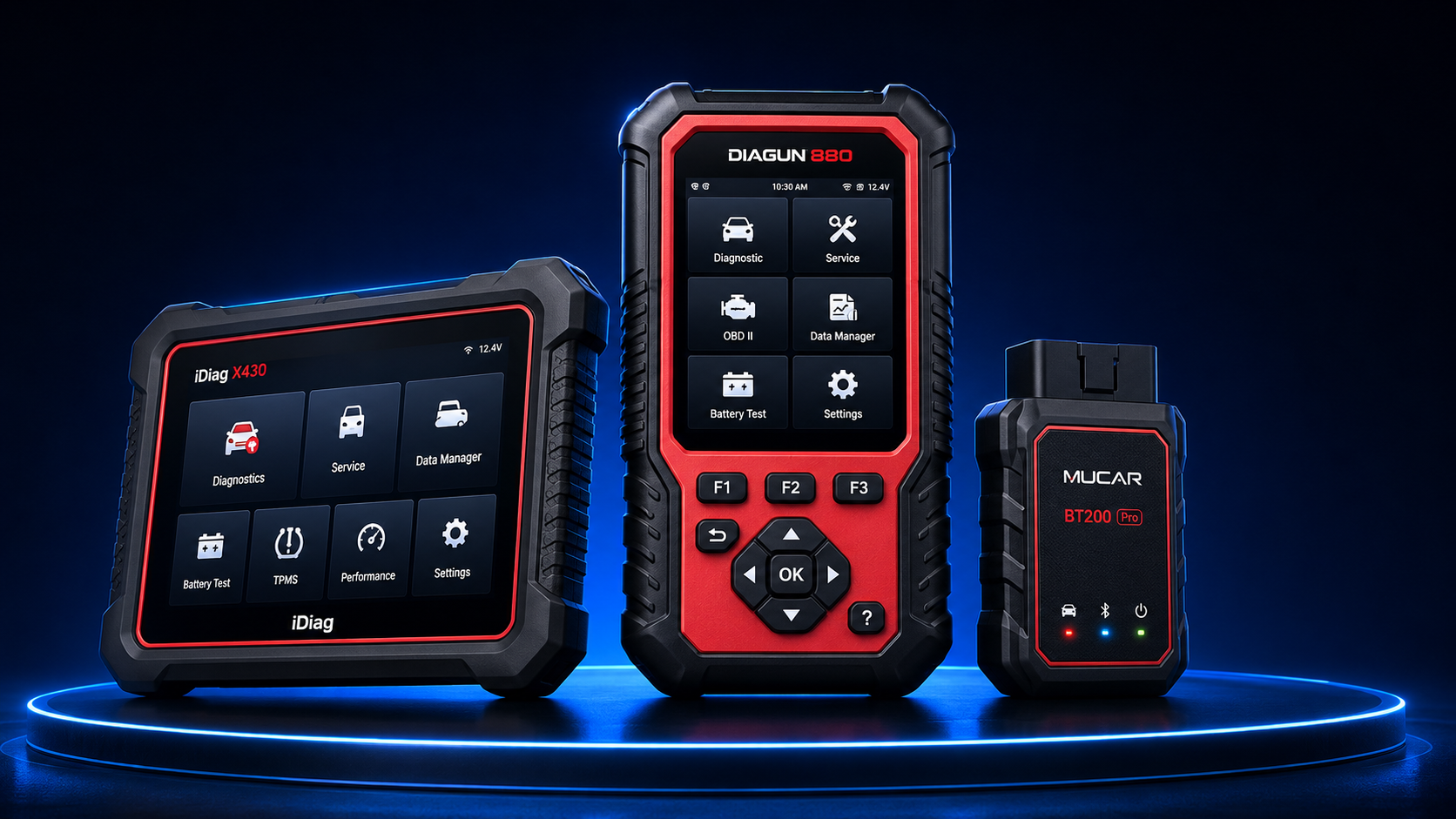
Prepare serial number, model, firmware version, and contact information.
Request Review
Storage preparation, archive review, and member access steps.
Open Dashboard